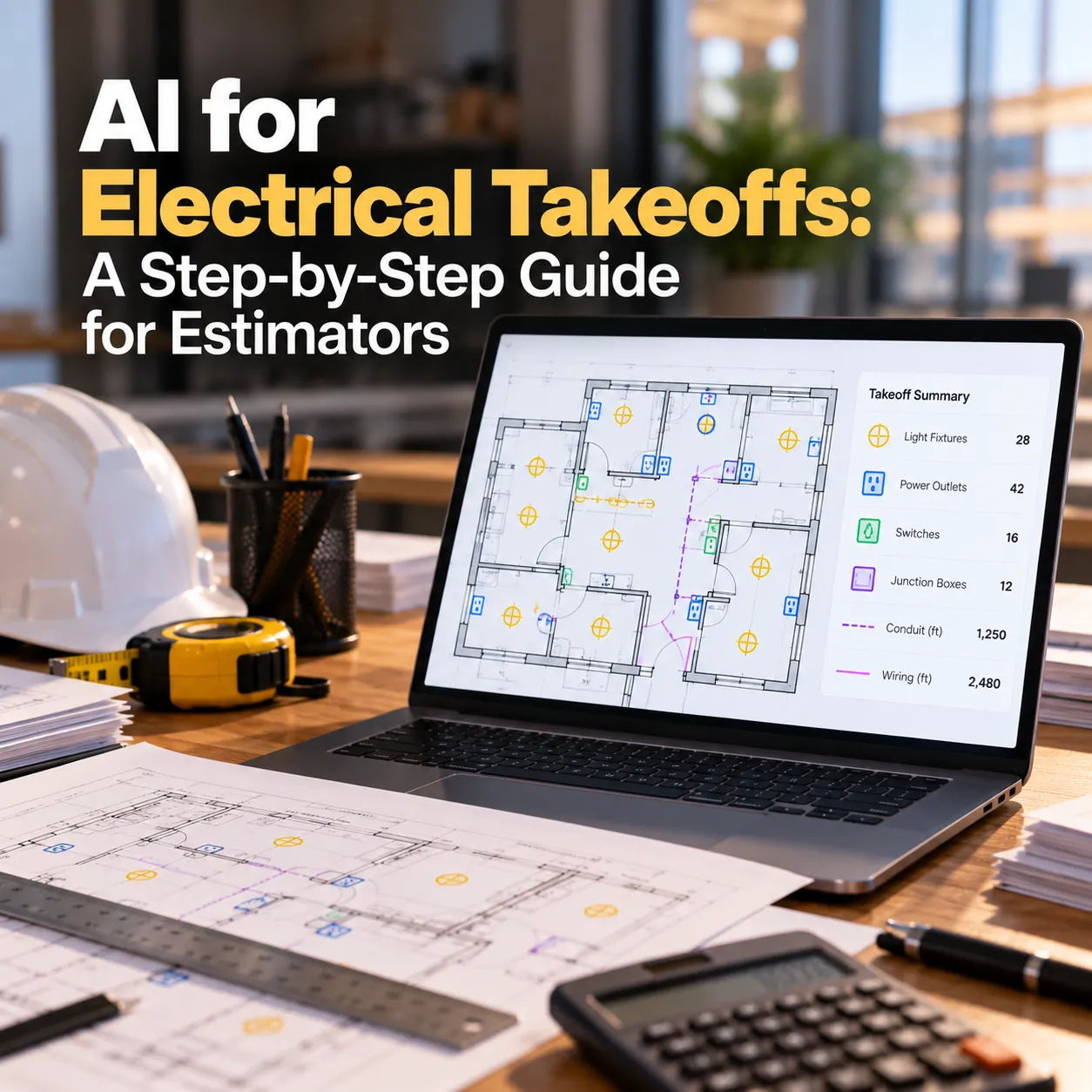
Electrical takeoffs are slow for one reason: volume. A single floor can carry hundreds of receptacles, switches, data drops, and light fixtures, each one a click, and every revision means doing part of it again.
Intro
AI can take most of that counting off your plate. It can't do all of it, and knowing where the line sits is what separates a faster takeoff from a wrong one.
In this guide, you'll learn how to set up an AI-assisted electrical takeoff workflow, which parts of the takeoff to trust AI with, and how to check its work before a number reaches your bid. "
Step 1: Know Which Parts of an Electrical Takeoff AI Can Handle
An electrical takeoff isn't one task. It's several, and AI is much better at some than others.
| Takeoff layer | What it includes | How well AI handles it |
|---|---|---|
| Device and fixture counts | Receptacles, switches, data, fire alarm devices, light fixtures | Strong on clean drawings |
| Schedules | Lighting fixture schedules, panel schedules, equipment schedules | Strong with document extraction |
| Linear runs | Conduit, cable tray, branch circuit runs | Partial, needs review |
| Feeders and gear | Panels, switchgear, transformers, feeders from one-lines | Partial, mostly estimator-led |
| Assemblies and labor | Boxes, rings, wire, fittings, labor units | Your estimating database, applied automatically once mapped |
The pattern: AI is fast and reliable where the work is visual and repetitive, like counting symbols or reading a table. It gets weaker where the drawing leaves things implied, like homeruns shown as arrows or routing left to the field.
Start by pointing AI at counts and schedules. That's where most of the hours go.
Step 2: Find Where Your Takeoff Hours Go
Before automating anything, measure where the time goes. Every shop is different, and the biggest bottleneck isn't always the one people complain about most.
For two weeks, have your estimators log takeoff time in rough blocks:
- Reading legends and setting up the job
- Counting devices and fixtures
- Reading fixture and panel schedules
- Measuring conduit, tray, and feeders
- Entering counts into the estimating system
- Redoing work after addenda and revisions
Tip: don't skip the last two categories. When we run this audit with electrical contractors at Octopus Builds, data entry and revision rework often take more hours than anyone expected, and they're among the easiest parts to automate.
Whichever category takes the most time is your first target.
Step 3: Prep Your Drawings Before AI Reads Them
AI counting is only as good as the PDF it reads. A few minutes of prep saves an hour of cleanup.
- Use vector PDFs when you can: ask the GC or engineer for vector files instead of scans. Symbol detection is far more reliable on clean linework
- Separate sheets by discipline: run electrical sheets on their own so mechanical or plumbing symbols that look similar don't get counted
- Confirm the scale on every sheet: especially on enlarged plans and details
- Watch for clouds and markups: revision clouds and hand notes over symbols are a common cause of missed counts
- Find the legend first: it's usually on the first electrical sheet, often labeled E0.1 or E1.0
Step 4: Teach AI Your Symbols From the Legend
This step makes or breaks the count. AI needs to know which symbol means which item, and electrical legends vary by engineer.
A good setup works like this:
- Read the legend for each new engineer or drawing standard
- Map every symbol to a takeoff item in your system (for example, "Duplex receptacle, 20A")
- Capture the variants: GFCI, weatherproof, isolated ground, emergency, and tagged fixture types
- Save the mapping as a template for that engineer, so the next bid from them starts pre-configured
Tip: create separate items for every variant. A duplex and a GFCI receptacle often differ by one letter, and emergency fixtures are often the same symbol with an "EM" tag. If they share one takeoff item, your count will be right and your price will be wrong.
In a custom workflow, these templates build up over time. After a few bids, most new drawings from engineers you work with regularly are recognized without fresh setup.
Step 5: Run the Count and Review What It Flags
Run the count one sheet or one floor at a time, then review before moving on.
- Run the count on the first electrical plan sheet
- Review the highlighted matches
- Check every match marked as low confidence
- Spot-check two or three areas by eye
- Approve the sheet and move to the next
Reviewing sheet by sheet takes a little longer than running the whole set at once. It's worth it. Errors are easier to catch on one sheet than across forty.
Pay extra attention to:
- Rotated or mirrored symbols: symbols drawn at an angle are easier to miss
- Overlapping symbols: devices drawn on top of each other near casework or columns
- Tagged fixtures: types A, B, and C that share a symbol but carry different prices
- Enlarged plans and details: devices that appear there and on the main plan can be double counted
The review step isn't a workaround. It's what makes AI counts safe to price from, and it belongs inside the workflow, not as something estimators remember to do.
Screenshot: count results with matches and low-confidence flags highlighted on a floor plan.
Step 6: Extract Fixture and Panel Schedules Automatically
Symbols tell you how many. Schedules tell you what they cost. AI document extraction can turn schedule sheets into structured tables in seconds.
If you're testing this with a general AI assistant, upload the schedule sheet as a PDF and use a prompt like this:
Extract the lighting fixture schedule from this sheet into a table with columns for fixture type, description, manufacturer, catalog number, wattage, voltage, mounting, and notes. Keep the fixture type labels exactly as shown. Flag any row where text is unclear instead of guessing.
For panel schedules:
Extract every panel schedule on this sheet into a table with panel name, circuit number, load description, breaker size, poles, and voltage. List spare and space circuits separately. Flag any value you can't read clearly.
Two checks keep this reliable:
- Match the totals: the number of fixture types or circuits in the output should match the sheet
- Tie types to counts: fixture types from the schedule should line up with the tags counted in Step 5
In a production workflow, this extraction runs automatically when drawings arrive, and the schedule data links straight to the counted fixtures, so nobody copies tables by hand.
Note: check your company's policy before uploading client drawings to any general AI tool.
Step 7: Handle Conduit and Wire Runs Separately
Linear takeoff is where AI is least reliable for electrical work. Branch circuits are often shown as homerun arrows rather than drawn routes, and conduit routing is left to the installer.
A practical split:
- Let AI measure what's drawn: cable tray, drawn feeders, and site conduit on clean drawings
- Use assemblies for branch circuits: price branch wiring through device assemblies or average run lengths rather than measuring every route
- Take feeders from one-line and riser diagrams: sizes and quantities from the diagram, lengths from the plan
Treat any automated linear measurement as a draft. Check the scale, then check a few runs by hand.
Step 8: Connect Counts to Your Assemblies and Estimating System
Counts only matter once they become material and labor. Each count maps to an assembly: a duplex receptacle becomes a box, plaster ring, device, plate, wire, and labor units.
This is where most of the time savings are won or lost. If AI counts arrive as a spreadsheet that someone retypes into Accubid, McCormick, or ConEst, the bottleneck has only moved.
A connected workflow handles it like this:
- Each takeoff item is mapped to its assembly once
- Approved counts flow into your estimating system automatically
- Schedule data attaches to the right fixture assemblies
- When an addendum lands, only the changed sheets are recounted and the estimate updates
That last point matters on electrical bids. Revisions are constant, and recounting only what changed is one of the biggest time savers in the whole workflow.
Step 9: Test the Workflow on a Job You've Already Bid
Before trusting AI counts on a live bid, run them on a job you took off manually.
- Pick a recent project with clean drawings and a takeoff you trust
- Run Steps 3 through 8 on it
- Compare AI counts to your original takeoff, device type by device type
- Note where differences come from: missed symbols, double counts, or variants
| Device type | Manual count | AI count | Difference | Cause |
|---|---|---|---|---|
| Duplex receptacle | ||||
| GFCI receptacle | ||||
| Single-pole switch | ||||
| Fixture type A |
A simple comparison like this shows exactly where to trust the workflow and where to keep checking by hand.
Run two or three past jobs this way. The pattern of misses tells you which device types need a manual check on every bid, and where the setup needs tuning.
Build Your AI Takeoff Workflow With Octopus Builds
Every step above can be done piece by piece. The real gains come when they're connected: drawings captured as they arrive, symbols recognized from your engineers' legends, schedules extracted automatically, counts reviewed in one place, and approved quantities flowing straight into your assemblies.
Octopus Builds builds that workflow for electrical contractors, around your drawings, your assemblies, and your estimating system:
- Symbol recognition set up for your legends: templates for the engineers you bid with most
- Schedule extraction: fixture and panel schedules turned into structured data linked to your counts
- A built-in review step: low-confidence counts flagged for your estimators before anything is priced
- Estimating system integration: approved counts flowing into Accubid, McCormick, ConEst, or your own spreadsheets without retyping
- Revision handling: only changed sheets recounted when addenda land
We scope engagements in about two weeks and ship working software every two weeks after that, so your estimators use it on live bids early if takeoffs are eating the hours your team needs for pricing. Build your AI takeoff workflow with Octopus Builds.
Build with Octopus Builds
Need help turning the article into an actual system?
We design the operating model, product surface, and delivery plan behind AI systems that need to ship cleanly and keep working in production.