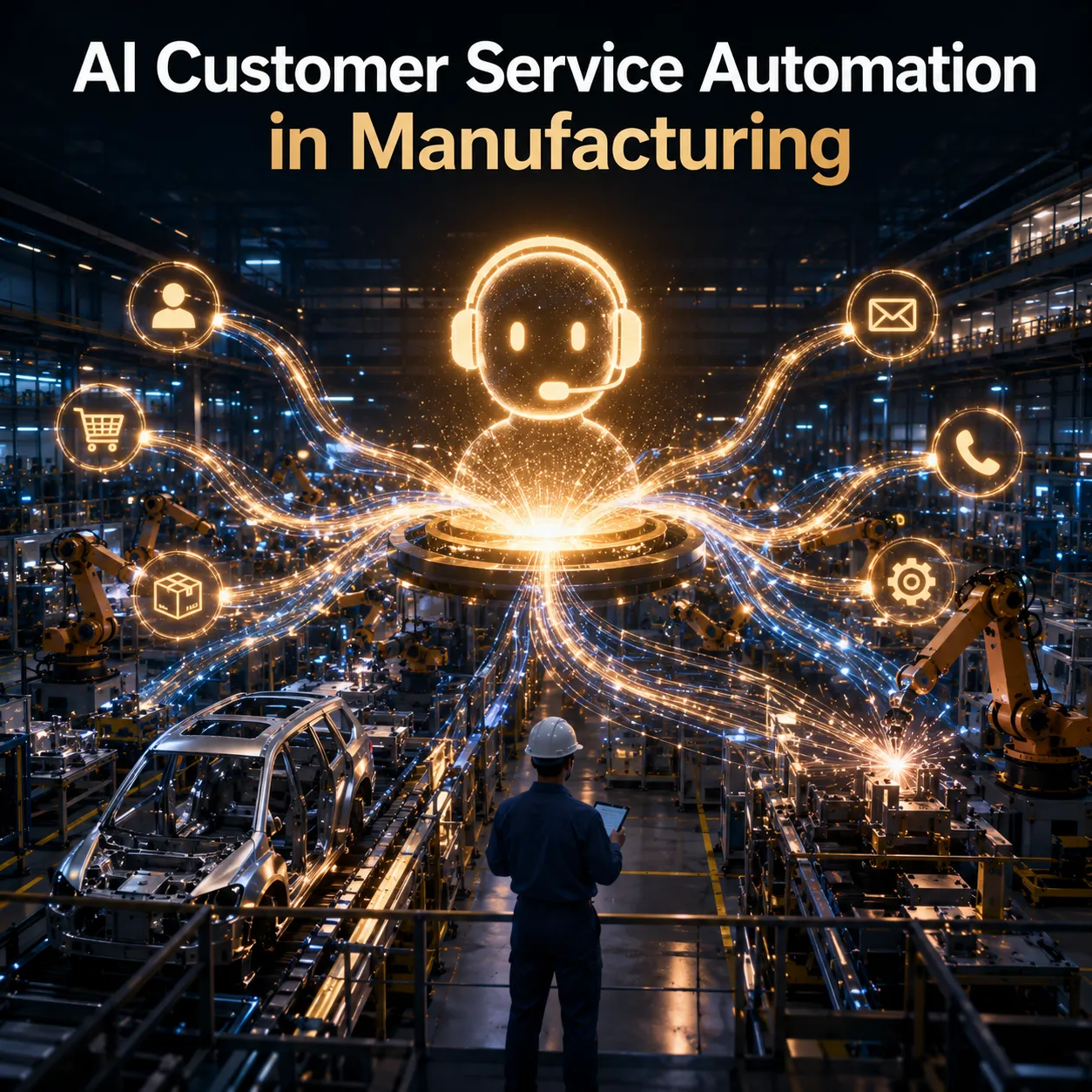
AI customer service automation in manufacturing works when you target the right tier of inquiries first. Most plants and distributors fail because they deploy chatbots on complex order exceptions and custom quote requests before they automate status checks, warranty lookups, and standard delivery inquiries. The result is a frustrated customer base and a support team that spends more time fixing bot mistakes than handling real problems.
What AI Customer Service Automation Can Actually Handle in Manufacturing
Set expectations before you buy software.
What AI handles well:
- Order status queries pulled from SAP, Oracle NetSuite, or Microsoft Dynamics
- Delivery tracking via FedEx, UPS, or private fleet APIs
- Warranty validation against serial numbers and install dates
- RMA form pre-population with customer and product data
- FAQ responses for standard policies (MOQ, lead times, credit terms)
- Routing to the correct department or sales engineer based on SKU, region, or customer tier
- After-hours coverage for tier-one inquiries when your team is offline
What AI cannot do:
- Negotiate custom pricing for enterprise accounts
- Interpret vague technical requirements and recommend SKUs
- Handle multi-party coordination between your plant, a third-party logistics provider, and a customer site
- Replace the relationship management that keeps your top 20 accounts loyal
- Make judgment calls on credit holds or delivery exceptions without human approval
The right way to think about it: AI is your tier-one agent that never sleeps. It handles data retrieval and standard process guidance. Your human team handles exceptions, relationships, and revenue-critical conversations.
When AI hits a tier-three question, it should escalate immediately with full context. The bot transfers the transcript, the customer profile, and the ERP data it already pulled. The human agent picks up where the bot left off. No repeated questions.
How to Classify Manufacturing Support Tickets Before Automating
Use this framework to classify your current ticket volume before you build anything.
| Tier | Inquiry Type | Examples | Automation Fit |
|---|---|---|---|
| Tier 1 | Data retrieval | Order status, tracking numbers, warranty lookups, invoice copies | Full AI automation with ERP integration |
| Tier 2 | Process guidance | RMA steps, credit application status, spec sheet requests | Guided workflows with human handoff |
| Tier 3 | Judgment and negotiation | Custom quotes, delivery exceptions, credit holds, relationship issues | Human-only with AI support |
Most manufacturers we work with at Octopus Builds find that 40 to 60 percent of their ticket volume falls into tier one. That is your automation target. Tier two is your next phase. Tier three should rarely touch AI.
Tip: Start your automation project with a ticket audit, not a vendor demo. Pull the last 90 days of support tickets and classify each into tier one, two, or three. The percentages will tell you exactly what to automate first.
The Best Use Cases for AI Customer Service Automation in Manufacturing
These five specific use cases produce the biggest returns for manufacturers deploying AI chat support.
Use Case 1: Order Status and Shipment Tracking
This is the highest-volume, lowest-complexity inquiry in manufacturing support. A customer enters their PO number or order reference. The AI queries your ERP order management module and your freight carrier API. It returns the current status, estimated delivery date, and any exceptions.
What the AI needs: A secure API connection to your ERP order management module and your primary freight carriers. The customer identifier (PO number, account number, or email) must match the ERP record.
What it returns: "Order 88472 shipped on August 8 via UPS Ground. Estimated delivery: August 14. Current status: In transit, Louisville hub. No exceptions flagged."
Why it works: The customer gets an answer in 10 seconds instead of waiting 4 minutes for an agent to log into SAP and check the carrier portal. Your agent handles the exception where the shipment is missing, not the 200 daily requests for "Where is my order?"
Use Case 2: Warranty Validation and RMA Initiation
Warranty claims are process-heavy but rules-based. A customer provides a serial number. The AI checks the install date against your warranty database, validates that the product is within the coverage window, and confirms the failure type is covered. If valid, it pre-populates the RMA form with the customer record, product data, and shipping address. It then generates a return label via your freight API.
What the AI needs: Access to your warranty registry (usually in your ERP or a dedicated warranty module), your product master data, and your returns management system or freight API.
What it returns: "Serial number WT-4472-A is covered under your 3-year parts warranty until March 2027. I have pre-filled your RMA. Your return label is attached. Ship the unit to our Dallas facility. Expected turnaround: 5 business days."
Why it works: Warranty validation requires zero judgment. It is a lookup against dates and coverage rules. Automating this removes 15 to 20 percent of tier-one volume and eliminates the back-and-forth of "Can you send a photo of the serial plate?"
Use Case 3: Inventory Availability and Lead Time Quotes
Distributors and OEM buyers need to know if SKU 4472 is in stock at the Atlanta warehouse and what the lead time is if it is not. The AI queries your WMS or ERP inventory module and returns real-time stock levels, available-to-promise dates, and alternative SKUs if the primary item is backordered.
What the AI needs: Real-time inventory API access, product master data with substitution rules, and lead time tables by SKU and facility.
What it returns: "SKU 4472 has 240 units available at the Atlanta warehouse. Available to ship: August 13. If you need 300 units, 60 additional units will arrive on August 22. Would you like me to split the shipment or reserve the full quantity?"
Why it works: Buyers make purchasing decisions based on this data. A 10-second response keeps them on your site. A 4-hour email delay sends them to a competitor.
Use Case 4: Invoice and Payment Status Inquiry
Customers call to ask if you received their payment, why an invoice is on hold, or what their current open balance is. The AI queries your ERP accounts receivable module and returns the specific invoice status, payment history, and any holds or disputes.
What the AI needs: Read-only access to your AR module, invoice headers, payment records, and credit hold flags.
What it returns: "Invoice 9921 for $14,200 is marked paid on August 5. Your open balance is $0. Invoice 9984 for $8,400 is due August 30. Would you like a PDF copy?"
Why it works: AR inquiries are pure data retrieval. Your accounting team should not spend 20 minutes per call pulling invoice history. The AI handles it instantly and routes credit hold questions to your AR manager with full context.
Use Case 5: Technical Spec Sheet and Documentation Retrieval
Engineers and procurement teams need spec sheets, CAD drawings, SDS sheets, and installation manuals. The AI queries your document management system (SharePoint, Box, or a product information management system) and returns the exact PDF or link. It can also confirm compliance certifications (UL, CE, RoHS) by product line.
What the AI needs: Indexed access to your technical document repository, product taxonomy that links SKUs to documents, and metadata for certifications.
What it returns: "Here is the spec sheet for Model WT-4472. It includes performance curves, dimensions, and electrical requirements. The unit is UL listed and RoHS compliant. Would you like the CAD file or the installation manual?"
Why it works: Document retrieval is a search problem, not a conversation problem. AI handles it faster than a human agent navigating folders. It also reduces the "I never received the spec sheet" follow-ups that clog your inbox.
Mistakes That Break Manufacturing Chatbot Deployments
Automating tier three first. An AI chatbot that tries to handle custom pricing or delivery exception negotiations will fail publicly. Your biggest accounts will notice. Start with tier one.
Building without ERP connectivity. A chat interface that cannot read live inventory, order status, or shipment data from your SAP, NetSuite, or Dynamics instance is just a fancy FAQ. Customers will abandon it and call your support line, defeating the purpose.
Ignoring the handoff. When a conversation needs to escalate from tier one to tier three, the transition must include context. The human agent needs the order number, the previous bot responses, and the customer sentiment score before they say hello. A cold handoff forces the customer to repeat themselves.
Skipping the knowledge base cleanup. Most manufacturers have policy documents scattered across SharePoint, PDFs, and email threads. An AI chatbot trained on messy source data gives messy answers. Clean your documentation before you automate.
Treating it as a one-time project. Product lines change. MOQs shift. Carrier relationships evolve. Your AI automation needs the same maintenance cycle as your ERP. Plan for quarterly content and logic reviews.
Why do most manufacturing chatbots fail?
They are trained on generic retail support data instead of manufacturing-specific workflows. A bot that knows how to answer "Where is my package?" for Amazon cannot validate a serial number against an Oracle NetSuite warranty table. Manufacturing AI needs manufacturing data.
How to Measure ROI on AI Customer Service Automation
Do not measure success by "conversations handled." Measure it by outcomes.
| Metric | What it tells you | Target |
|---|---|---|
| Tier-one resolution rate | Percentage of tier-one inquiries resolved without human intervention | 70%+ |
| Average handle time for human agents | Time saved per ticket when AI pre-qualifies and routes | 20-30% reduction |
| After-hours containment | Percentage of inquiries resolved outside business hours | 50%+ of tier-one |
| Customer satisfaction (CSAT) for automated interactions | Whether customers find the AI useful, not just fast | 4.0+ / 5.0 |
| Escalation quality score | Whether context transfers cleanly to human agents | 90%+ context completeness |
Note: An AI bot that resolves 90 percent of tier-one tickets but tanks your CSAT is not a success. Speed without accuracy is damage.
What AI Customer Service Implementation Actually Requires
You do not need a three-year roadmap. You need a working integration between your chat interface and your source systems.
Phase 1: Connect the data. Integrate your AI chat platform with your ERP, WMS, and carrier APIs. This is the technical foundation. Without it, you are building a brochure.
Phase 2: Map your tier-one flows. Document the exact steps your best agent takes to answer "Where is my order?" Turn those steps into AI logic. Use real ticket history, not assumptions.
Phase 3: Build the handoff. Design the escalation path so context travels with the customer. The human agent should see the full transcript, the customer profile, and the ERP data the AI already pulled.
Phase 4: Train and launch. Start with a pilot on one product line or one customer segment. Measure for two weeks. Fix the failures. Expand.
Most manufacturers we see get stuck in phase 1 because their ERP data is messy or their API access is limited. That is normal. Fix the data first. The AI bot is the easy part.
Ready to automate the right conversations first?
At Octopus Builds, we design and deploy AI customer service systems for manufacturers that connect to your ERP, read live inventory and shipment data, and handle tier-one inquiries without breaking the customer experience. We build the integration layer, the conversation logic, and the escalation paths so your team stays in control while repetitive work gets handled automatically.
If you are ready to stop losing hours to status checks and start using your support team for work that actually grows revenue, build with Octopus Builds. We will show you how to automate the right conversations first.
Build with Octopus Builds
Need help turning the article into an actual system?
We design the operating model, product surface, and delivery plan behind AI systems that need to ship cleanly and keep working in production.